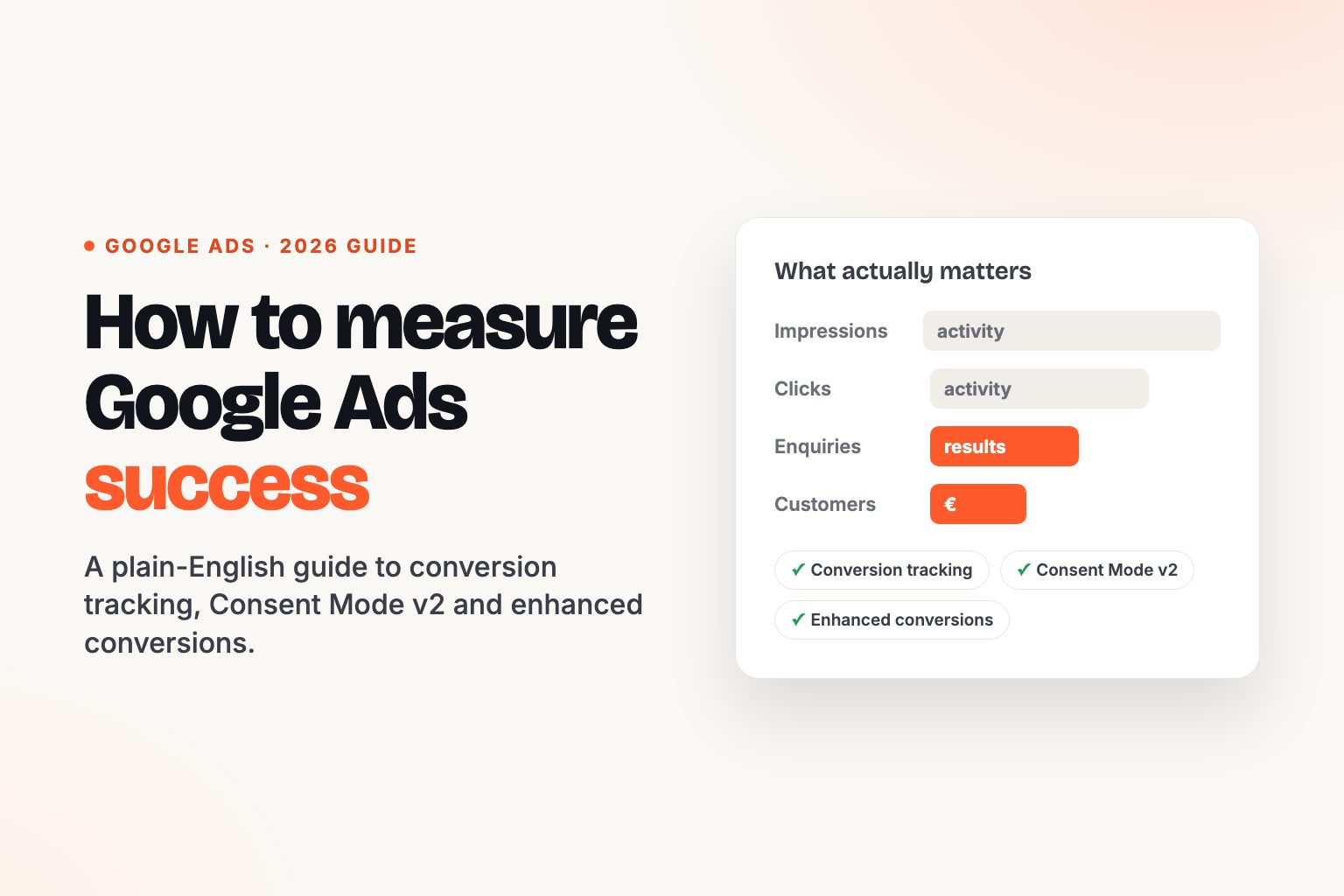
So your Google Ads campaign is live and the numbers are rolling in. Clicks, impressions, click-through rate. Lovely. But here's the only question that matters: how many of those clicks turned into an enquiry, a booking or a sale?
If you can't answer that, you're not measuring success. You're measuring activity. And in 2026, with Google's AI deciding who sees your ads and how much you pay, guessing is more expensive than ever.
This guide walks through how to measure Google Ads success properly: what to track, how to set it up, and the privacy rules every Irish business now needs to get right. No jargon, no 40-page decks.
What is Google Ads conversion tracking?
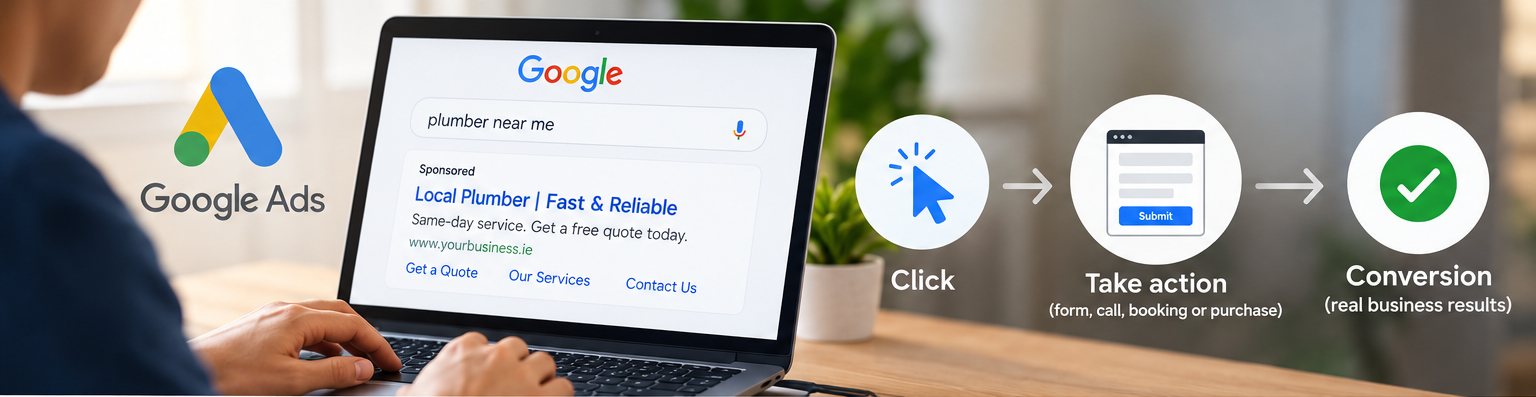
Conversion tracking is a free Google Ads feature that shows what people do after they click your ad. When someone takes an action you value, such as filling in a contact form, calling you, booking online or buying something, Google records it as a conversion.
Without it, you have two problems.
- You can't see your return. You know what you spent, but not what you got back. You can't tell a keyword that brings in customers from one that just burns budget.
- Google's AI is flying blind. Almost every campaign now runs on Smart Bidding (Maximise Conversions, Target CPA, Target ROAS) or Performance Max. These strategies learn from your conversion data. Feed them nothing, or the wrong thing, and they'll happily optimise towards the wrong goal with your money.
Back in 2019, conversion tracking was a nice extra. In 2026, it's the fuel the whole engine runs on.
Step one: decide what success looks like for your business
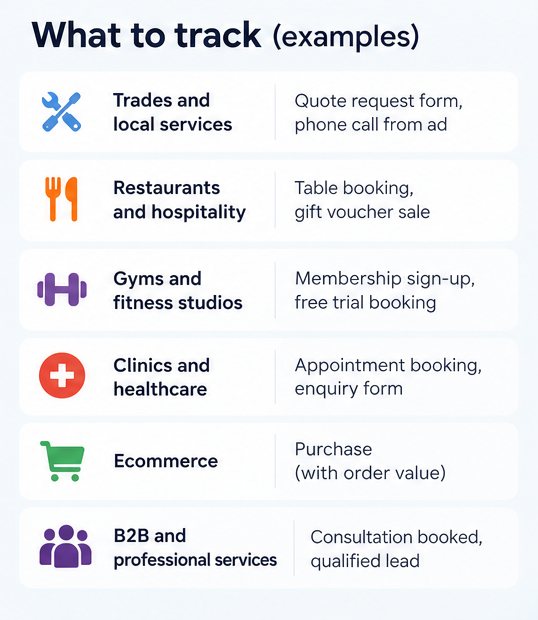
Before touching any code, write down the actions that actually make you money. They're different for every business.
| Business type | Primary conversions (the ones that matter) | Secondary conversions (useful signals) |
|---|---|---|
| Trades and local services | Quote request form, phone call from ad, call from website | Directions clicks, brochure downloads |
| Restaurants and hospitality | Table booking, gift voucher sale | Menu views, click to call |
| Gyms and fitness studios | Membership sign-up, free trial booking | Class timetable views |
| Clinics and healthcare | Appointment booking, enquiry form | Click to call, contact page visit |
| Ecommerce | Purchase (with order value) | Add to cart, checkout started |
| B2B and professional services | Consultation booked, qualified lead | Newsletter sign-up, guide download |
In Google Ads, set only the actions in the primary column as Primary. Primary conversions drive bidding. Secondary ones are tracked for reporting but don't steer the algorithm. Mark a newsletter sign-up as Primary and Google will go off and find you lots of cheap newsletter sign-ups, not customers.
How to set up Google Ads conversion tracking in 2026
There are a few ways to do it, but for most businesses Google Tag Manager (GTM) is still the cleanest. You add one snippet to your website once, then manage every tag from a dashboard without touching your site's code again.
Here's the basic setup for a website form:
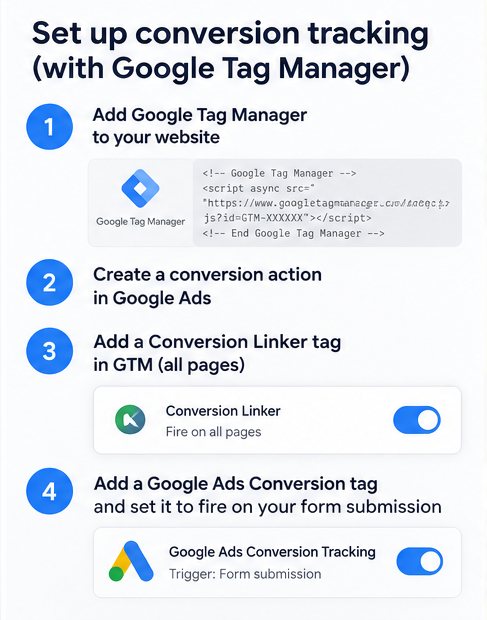
- Create a Google Tag Manager account at tagmanager.google.com and add the container code to every page of your site. Most website platforms (WordPress, Shopify, Squarespace, Wix) have a simple field or plugin for this.
- Create the conversion action in Google Ads. Go to Goals > Conversions > Summary, click + New conversion action and choose Conversions on a website. Pick the category (for example, "Submit lead form"), give it a clear name and set a value if you know roughly what a lead is worth.
- Choose "Use Google Tag Manager" when Google asks how you want to install the tag. Copy the Conversion ID and Conversion Label.
- Add a Conversion Linker tag in GTM, set to fire on all pages. This keeps the ad click data intact so Google can match the conversion back to the right click.
- Add a Google Ads Conversion Tracking tag in GTM and paste in the Conversion ID and Label.
- Set the trigger, meaning the moment the tag should fire. Usually that's your thank-you page (e.g. yoursite.ie/thank-you) or a successful form submission event.
- Test before you publish. Use GTM's Preview mode and Google Tag Assistant to submit a test enquiry and confirm the tag fires once, and only once.
- Publish, then check back. Within 24 to 72 hours the conversion action's status in Google Ads should move from "Unverified" to "Recording conversions".
Already running Google Analytics 4 well? You can import GA4 key events into Google Ads instead. Just don't track the same action both ways, or you'll count every lead twice.
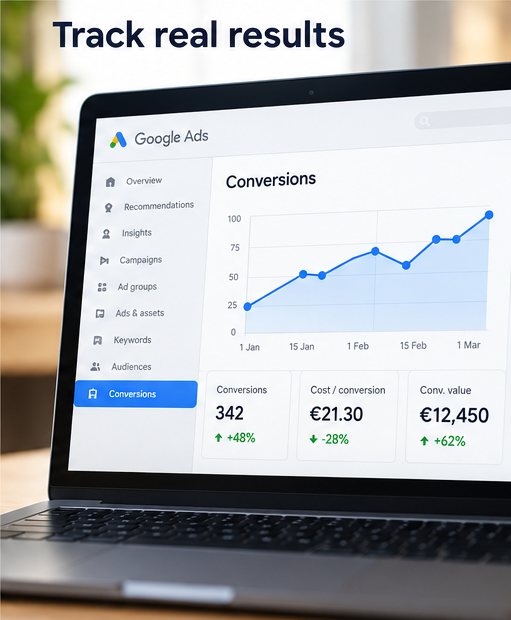
Rather not wrestle with tags and triggers? Conversion tracking setup is part of every Google Ads campaign we manage. See our Google Ads management pricing or get in touch directly.
danny@jomoo.ieConsent Mode v2 and enhanced conversions: the bits Irish businesses can't skip
This is the biggest change in recent years. Under GDPR, lots of your visitors will click "Reject" on your cookie banner. Basic tracking then simply misses their conversions, and your reports quietly undercount.
Two features close most of that gap.
Consent Mode v2
Consent Mode v2 connects your cookie banner to Google's tags, so Google knows what each visitor has agreed to. It's been required for advertisers targeting users in the EEA and UK, and since June 2026 Google relies on it as the main control for whether ad data can be used. Set up in Advanced mode, Google tags still send anonymous, cookieless signals when someone declines, and Google uses those to model the conversions you'd otherwise lose. In Basic mode, nothing fires until consent is given, so there's no modelling at all.
To get it right:
- Use a cookie banner (consent management platform) that's certified by Google and supports Consent Mode v2.
- Make sure all four consent signals are passed, not just the original two. Missing ones switch off features like remarketing and enhanced conversions without any error message.
- Test both scenarios: a visitor who accepts cookies and one who rejects them.
Enhanced conversions
Enhanced conversions go a step further. When someone fills in your form, their email address or phone number is hashed (scrambled into an unreadable code) on your site and sent securely to Google. Google matches it against signed-in users to credit the right ad click, even when cookies are missing. For lead-generation businesses, enhanced conversions for leads can also pass back which enquiries became paying customers.
If you only do one thing after reading this, check that both of these are switched on and working.
The bottom line
Clicks and impressions tell you your ads are running. Conversions tell you they're working. Decide which actions really matter, track them properly, and get Consent Mode v2 and enhanced conversions in place so you're not quietly losing data. Choosing where to advertise in the first place? Read our guide to Meta Ads vs Google Ads for Irish businesses, or see how Meta lead ads turn Facebook and Instagram scrolling into enquiries. Want it done for you? See our Google Ads management.